Domain controls
Use the allowed domain list to control where your widget can be loaded.
Embed your Ask My Bot assistant into your website to answer visitor questions directly on-page.
Use the allowed domain list to control where your widget can be loaded.
Widgets are intended for public bot deployment and website visitor conversations.
Upload PDF source content, test visitor questions, and embed the bot on the website pages where people need document answers.
Read the PDF widget guideUse the widget on pricing, services, menu, documentation, and contact pages so the bot can answer first, then collect contact details when a visitor shows intent.
On Business and Scale plans, when a visitor asks for human help within the widget, Ask My Bot can hand off to your team. If no agents are available, the visitor’s details are captured as a lead with the conversation history.
Create or select a public bot, set allowed domains, copy the widget script, add it to your website, and test the live page.
Yes. Upload the PDF as source content, make the bot public when ready, and install the widget on approved website domains.
Yes, on Pro and higher plans. Public bots can collect contact details and custom fields during high-intent conversations.
Yes. Ask My Bot supports allowed-domain controls so you can manage which websites can load the widget.
Illustrative app views with fictional businesses, contacts and sample data. Select an image to view it full size.
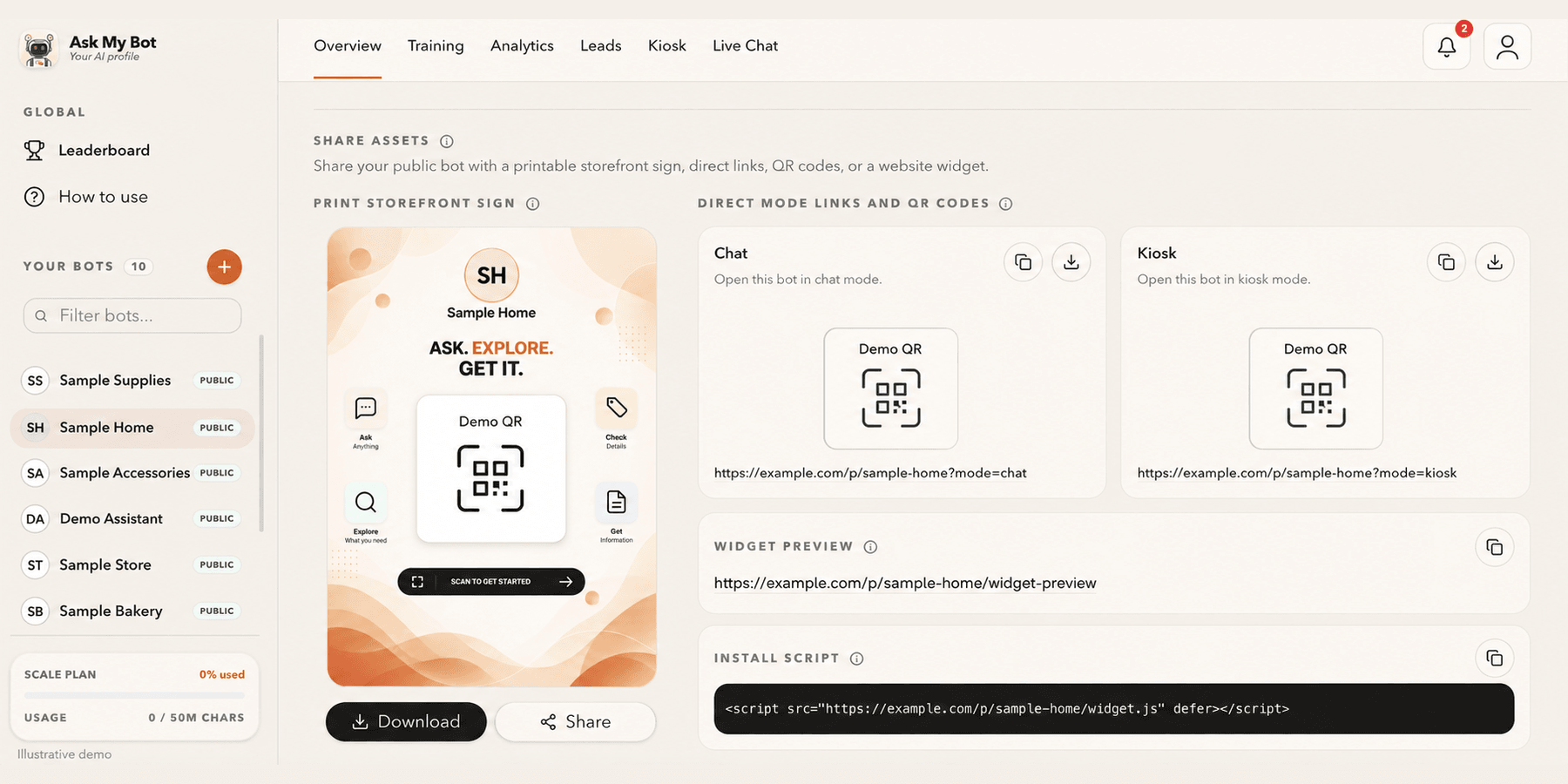
Overview → Share assets provides one public link and QR code, a printable storefront sign and the website install script. The pictured bakery is fictional; copy working assets from your own bot.
Explore this workflow