Ask My Bot turns your existing content into a conversational assistant that stays grounded in what you provide.
1. Add your content
Upload documents, spreadsheets, images with OCR, or pasted text, or import website pages. Start with material that clearly answers real customer or team questions, and combine sources when one document does not provide the full answer.
2. Generate your bot
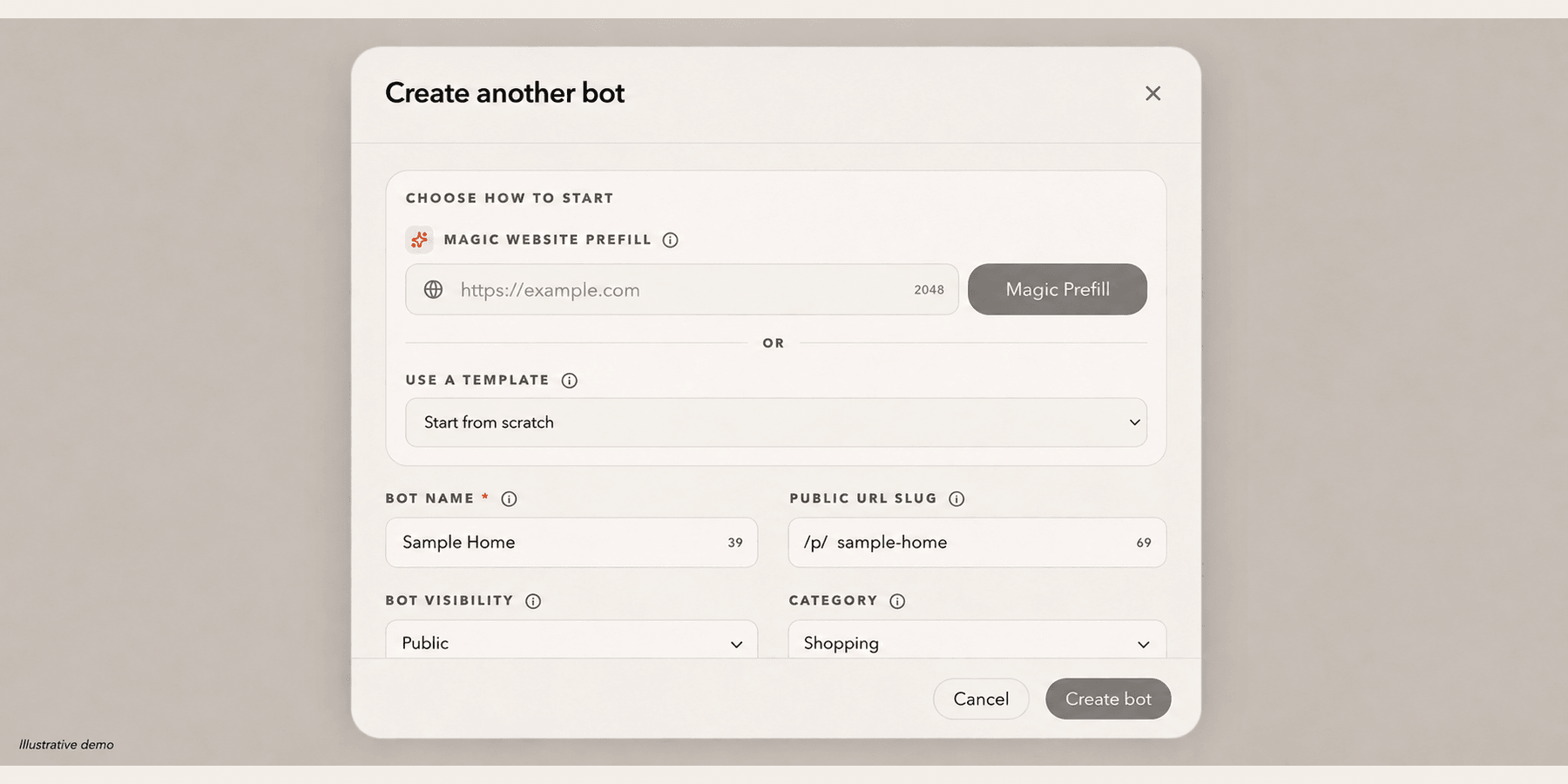
Ask My Bot processes and indexes the source material so relevant passages can be retrieved during a conversation. You then set the bot name, opening message, starter questions, visibility, and behavior for its audience.
3. Test and improve
Ask realistic questions using the language visitors use, including questions the content cannot answer. Correct gaps in the source material, then use analytics, feedback, and unanswered-question reports to improve coverage over time.
4. Publish and distribute
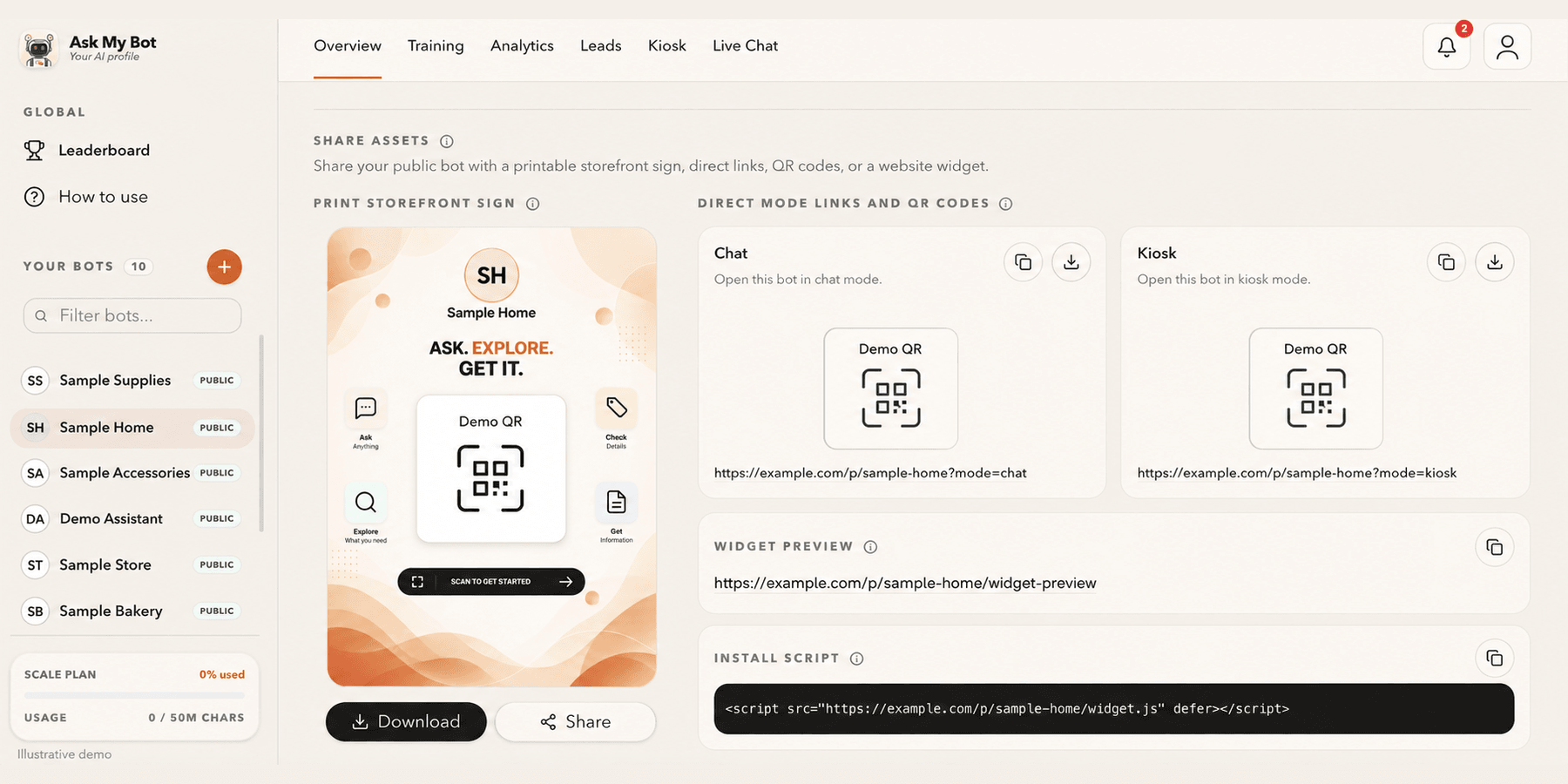
Share a public bot page by link or QR code, embed its widget on approved website domains, or keep the bot private for signed-in users on an allowed-email list. Choose the channel based on who should have access.
5. Hand off to humans (optional)
On supported plans, visitors who ask for a person can enter the live-chat queue for a direct team reply. If nobody is online, collect the visitor's contact details and conversation context as a lead for follow-up.
What makes answers more reliable?
Clear, current source content matters more than the number of files. Include definitions, prices, exclusions, dates, contact steps, and examples. Remove conflicting versions and test important answers after every meaningful source update.
What happens after launch?
Review what people ask, where answers fail, which responses receive feedback, and which conversations produce leads. Add missing source material and retest those questions instead of treating the bot as a one-time setup.
Overview → Share assets provides one public link and QR code, a printable storefront sign and the website install script. The pictured bakery is fictional; copy working assets from your own bot.