No-Code Chatbot
Build an AI chatbot without coding
Ask My Bot gives creators, coaches, restaurants, and small businesses a no-code workflow for creating an AI assistant from content they already have. Start with a private bot, improve answers, then publish when it is ready.
1
Create the bot
Name the bot, choose its business type, set an opening message, and decide whether it should start private or public.
2
Add knowledge
Upload files, paste text, import a website page, or add image content with OCR so the bot has source material to answer from.
3
Customize and test
Adjust starter questions, colors, avatar, lead fields, and answer behavior from the dashboard.
4
Share or embed
Publish a public page, download a QR code, or install the widget on allowed website domains.
For nontechnical teams
Use dashboards, forms, uploads, and previews instead of writing bot logic from scratch.
For buyer questions
Train the bot on pricing, services, policies, menus, FAQs, or guides that prospects already ask about.
For future growth
Upgrade later for Leads access, webhooks, Live API sources, and higher content or message limits.
Frequently asked questions
Do I need code to build a chatbot with Ask My Bot?
No. The dashboard handles bot creation, source uploads, customization, testing, sharing, and widget setup without requiring code.
What can I use as chatbot knowledge?
You can use PDFs, supported documents, spreadsheets, images with OCR, pasted text, website imports, and Live API sources on supported plans.
Can I still embed the chatbot on a website?
Yes. The widget uses a script snippet, but you can copy it from the dashboard and add it to your website builder or developer handoff.
Can a no-code chatbot collect leads?
Yes. Public bots can collect contact details and custom lead fields during high-intent conversations.
See how it works in the app
Illustrative app views with fictional businesses, contacts and sample data. Select an image to view it full size.
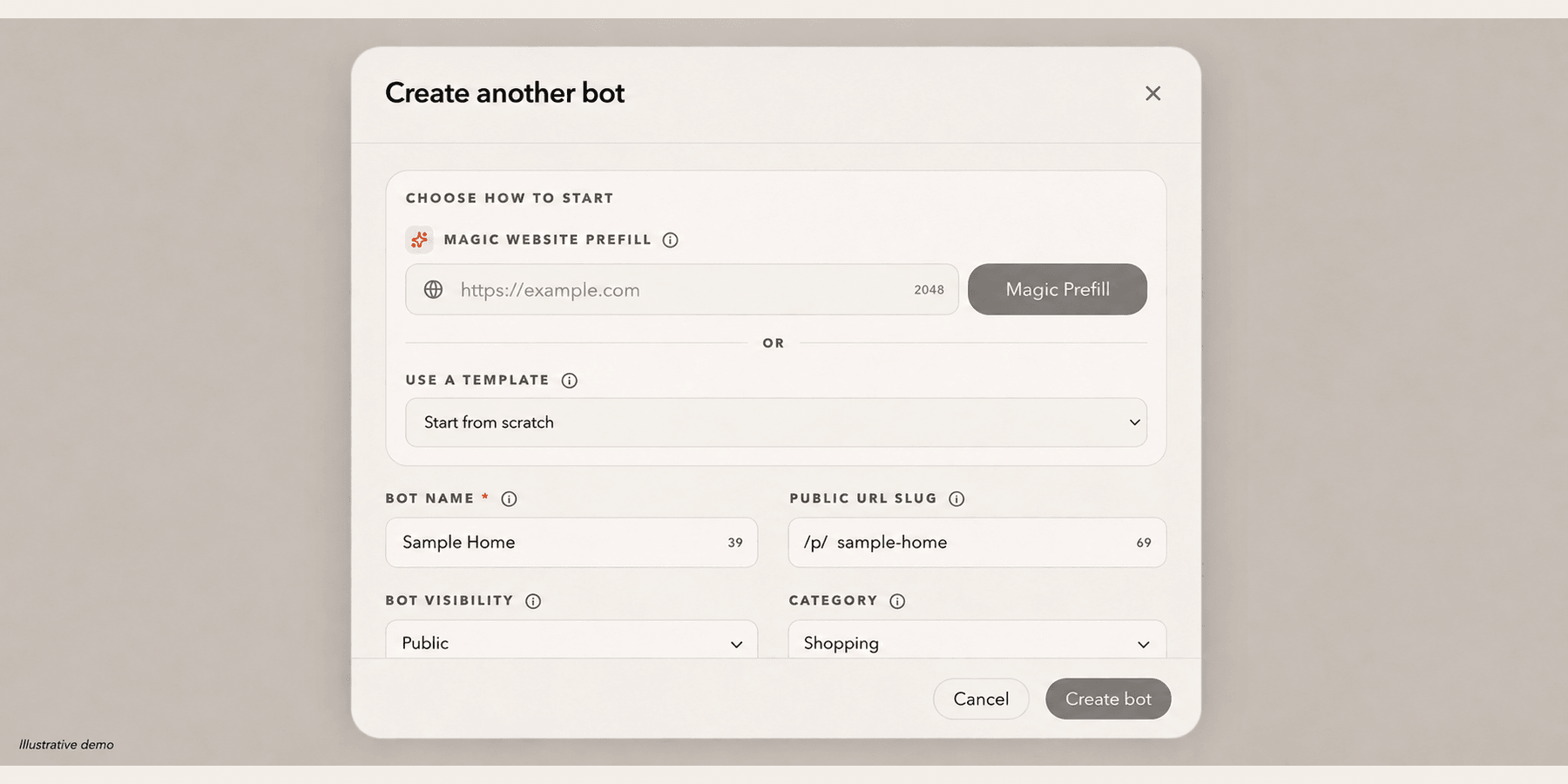
Create a bot without coding
Start with a website URL or a bot name, then add your knowledge in Training. The owner can change the public URL later from Settings → Bot → Profile.
Explore this workflow